Track content performance with Analytics
Upload screenshots or exports of your social and sales stats and let Desire AI pull out the numbers.
Written By Jason
Last updated About 7 hours ago
Want to know which posts and emails are working? Upload your stats to Analytics and Desire AI reads the numbers for you. There's no spreadsheet work.
Open in Desire AI: Your workspace (then click Analytics on the right)
Upload your stats
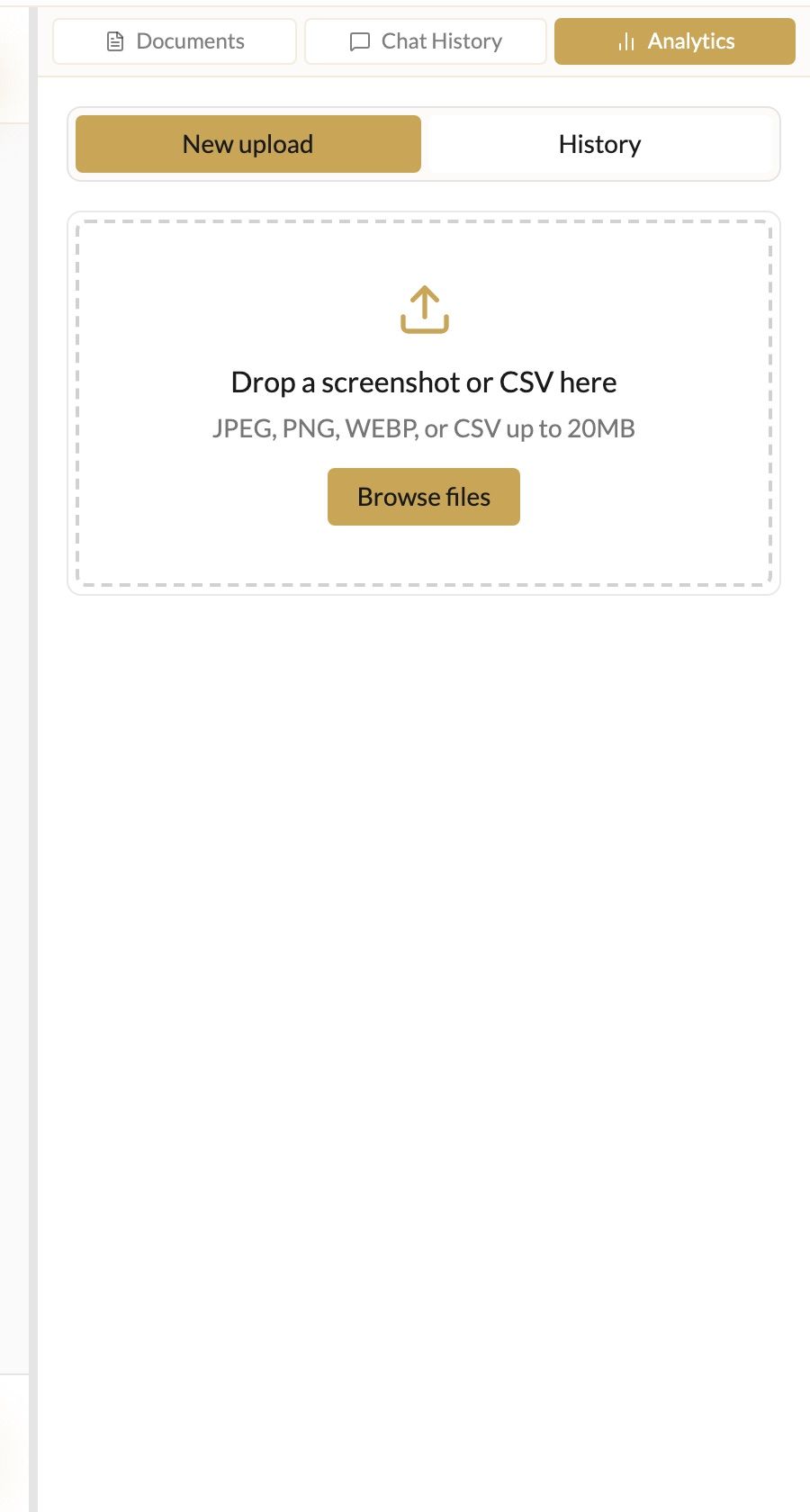
In the chat workspace, click Analytics at the top of the right-hand panel.
Drop in a screenshot (.jpg, .png, .webp) or a CSV export, for example your Instagram Insights, an email campaign report or a Shopify sales export.
Desire AI pulls out the key metrics (reach, clicks, saves, open rate, sales) for you to check.
Save them to a content plan. Pick an existing plan or choose New plan name….
See trends
Switch to History to see past uploads and a trend chart, so you can tell whether this month's content is beating last month's.
Put the numbers to work
Ask the AI Chief Marketing Officer (CMO) or Social Media Content Creator "What should I do more of, based on my latest analytics?" and they'll use what you saved.
Analytics is saved to the brand that's selected, so check Active Brand before uploading.
Was this helpful?
Still need help? Ask the team