Signing in to Desire AI
Sign in with your password or a magic link, stay signed in, and reset a forgotten password.
Written By Jason
Last updated About 7 hours ago
You can sign in to Desire AI with your email and password, or with a one-time magic link sent to your inbox.
Open in Desire AI: Sign in · Reset your password
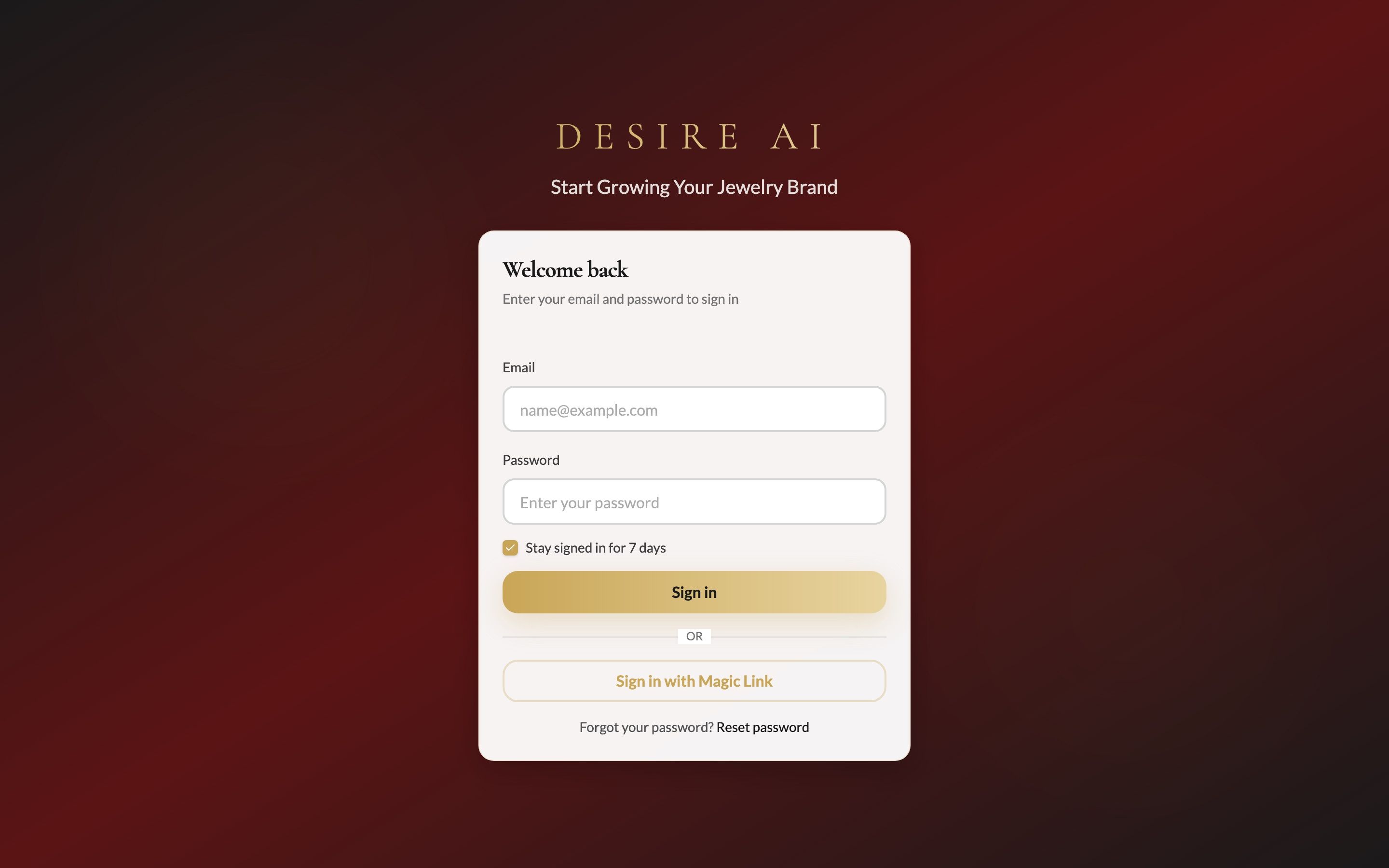
Sign in with your password
Enter the email address your membership is under.
Enter your password.
Leave Stay signed in for 7 days ticked on your own computer so you don't have to sign in every visit. Untick it on a shared computer.
Click Sign in.
Sign in with a magic link
Prefer not to type a password? Click Sign in with Magic Link, enter your email and we'll send you a link that signs you straight in.
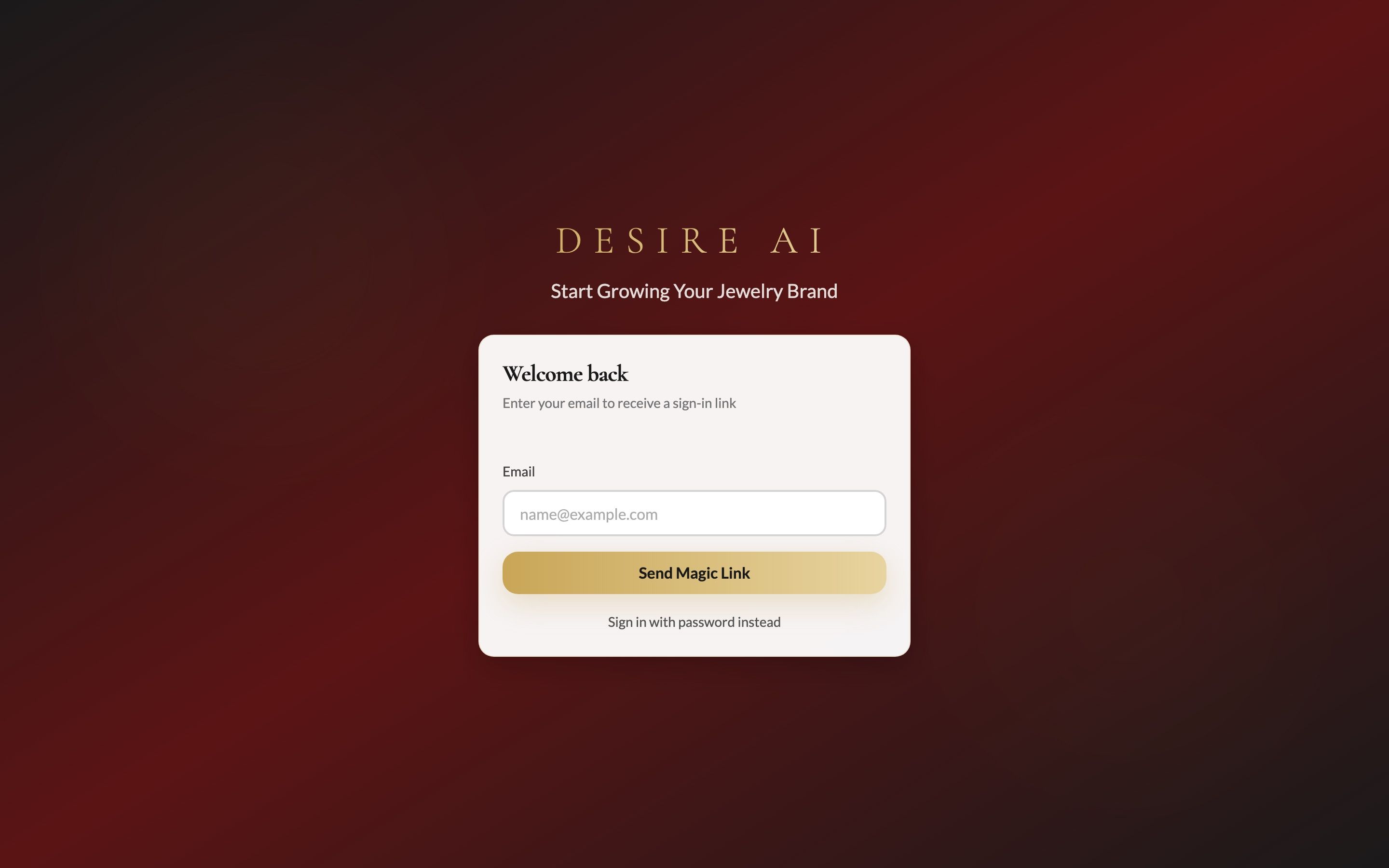
Open the link on the same device and browser where you want to use Desire AI.
No email after a few minutes? Check your spam or promotions folder, then use Send another link.
To go back to the password form, choose Sign in with password instead.
Forgot your password?
On the sign-in page, click Reset password.
Enter your email address. We'll email you a reset link.
Open the link within 1 hour, since it expires after that, and choose a new password of at least 8 characters.
Already signed in and just want a new password? Go to My Account and use Change password. See Your account settings.
Don't have an account yet?
New Desire AI accounts are created by invitation or after purchase, so there is no public sign-up form. If you've purchased and haven't received your welcome email, contact support@getdesireai.com.
Was this helpful?
Still need help? Ask the team