Your membership: invoices, changing plans, pausing and cancelling
Manage your payment method, see invoices, change or pause your plan, or cancel.
Written By Jason
Last updated About 7 hours ago
Open the account menu and choose Billing & subscription.
Open in Desire AI: Billing & subscription
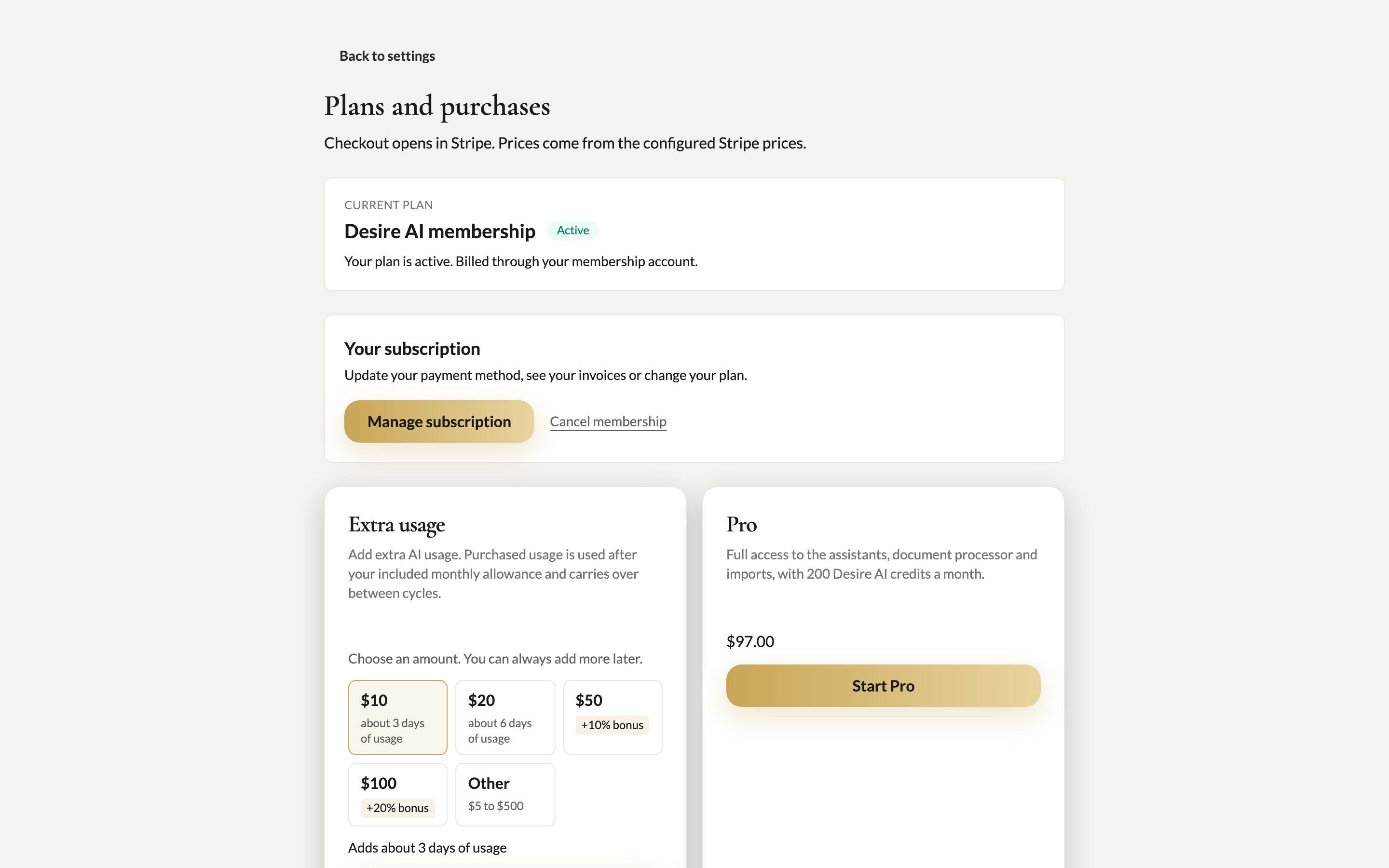
Your current plan
The top of the page shows your membership and whether it's Active.
Payment method, invoices and plan changes
Click Manage subscription. You'll go to our secure billing portal (powered by Stripe), where you can:
update your card,
download invoices and receipts,
change your plan.
Pause instead of cancelling
Taking a break after the holiday rush? The Pause plan keeps your brand profile, chats, documents and images safe for a small monthly fee. AI features are off while you're paused, and everything is waiting when you resume.
Cancel
Click Cancel membership.
You'll be offered alternatives, such as Pause instead. If you still want to go, confirm the cancellation.
Export any documents you want to keep before your membership ends. See Documents: create, organize and export.
Billing questions
Charged unexpectedly, or need a receipt with different details? Email support@getdesireai.com.
Was this helpful?
Still need help? Ask the team