Using Desire AI on your phone
Desire AI works in your phone's browser. Here's how the mobile layout differs.
Written By Jason
Last updated About 8 hours ago
There's no app to download. Open Desire AI in your phone's browser (Safari or Chrome), sign in, and it adapts to your screen. It's perfect for capturing caption ideas at a market or checking your launch plan between orders.
Open in Desire AI: app.getdesireai.com
How it's different on a phone
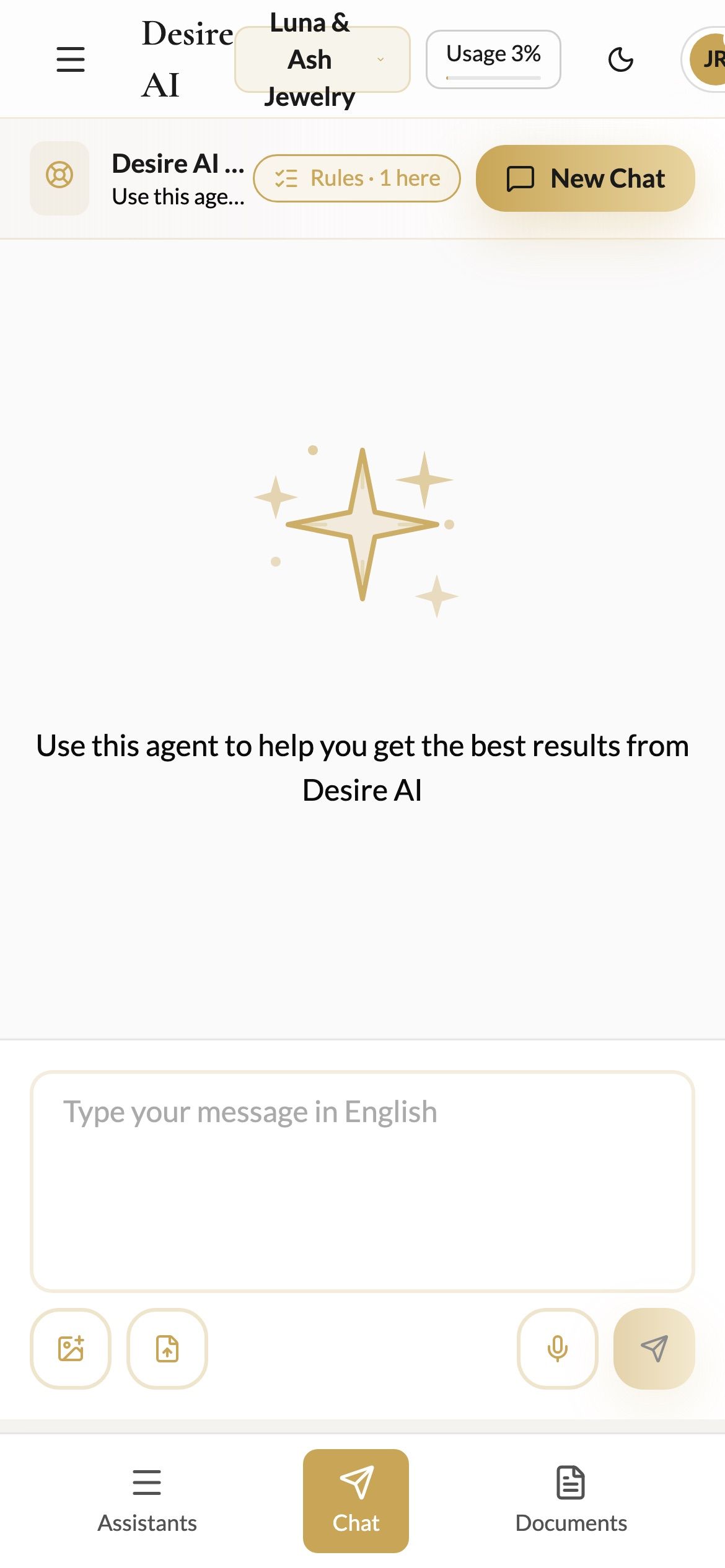
You see one panel at a time. Use the bar at the bottom to switch between Assistants, Chat and Documents (or History).
In the message box, Enter adds a new line. Tap the Send button to send.
Tap the microphone to dictate instead of typing.
Planning, your profile and billing work the same as on a computer, just stacked to fit.
Add Desire AI to your home screen
iPhone (Safari): tap the Share button, then Add to Home Screen.
Android (Chrome): tap the ⋮ menu, then Add to Home screen.
You'll get a Desire AI icon that opens straight to your workspace.
Was this helpful?
Still need help? Ask the team