Your account settings
Change your password, chat language, timezone and currency.
Written By Jason
Last updated About 8 hours ago
Open the account menu and choose My Account.
Open in Desire AI: My Account · Password · Language · Timezone and currency
Profile information
Shows your name and the email you sign in with. To change your sign-in email, contact support@getdesireai.com.
Password
Click Change password and choose a new password of at least 8 characters. Forgotten your current one? Sign out and use Reset password on the sign-in page.
Language
This sets the language assistants reply in and the language voice input listens for. Leave it on Auto to follow your browser's language, or choose one. You can still ask for a specific piece of copy in another language in any chat, for example "write this caption in French."
Timezone
Assistants use your timezone to know today's date, and Planning uses it for due dates and "this week." Turn on Auto-detect Timezone, or choose yours under Manual Selection.
Currency
Choose the currency for prices on your pieces. The default is US dollars.
Usage
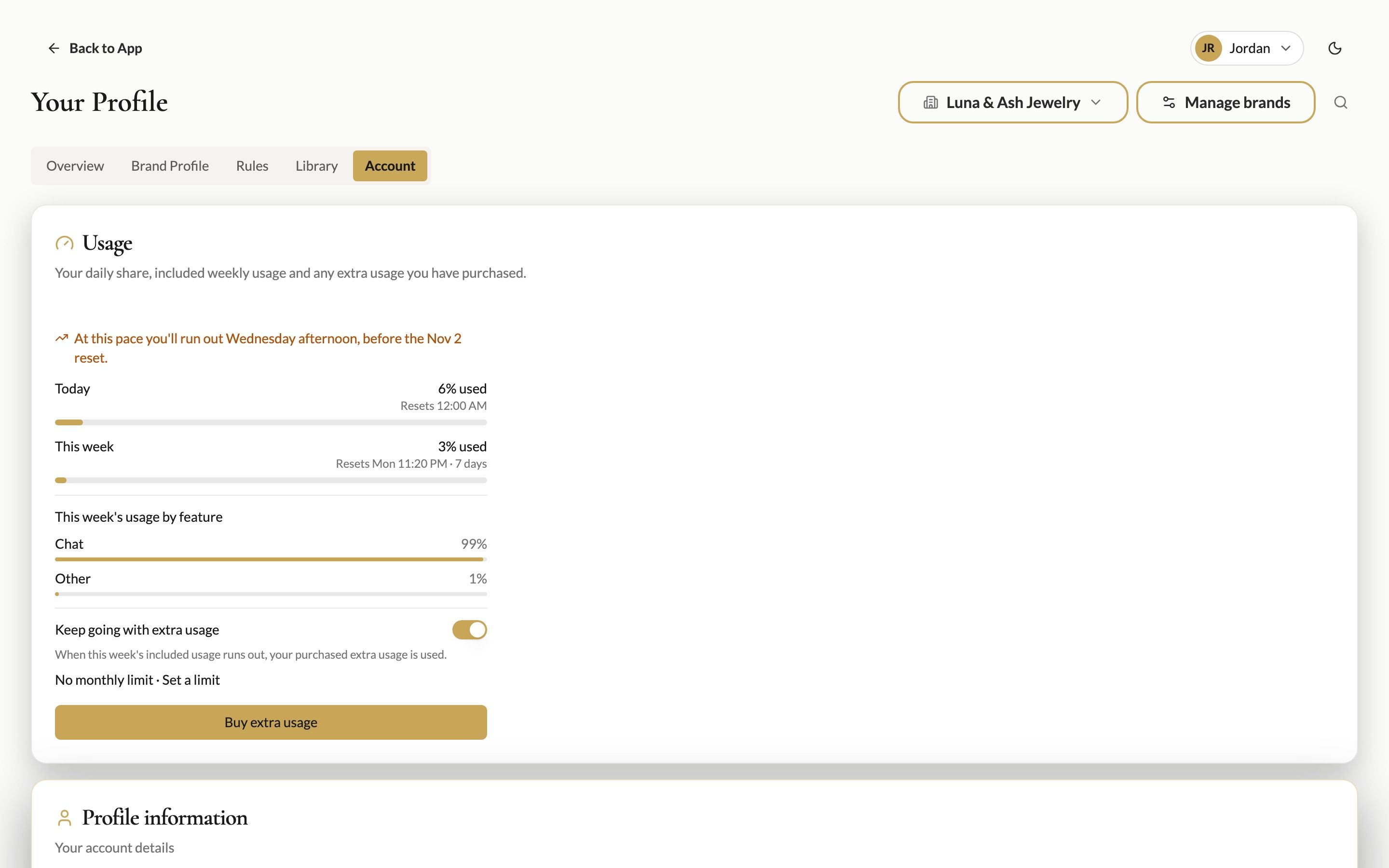
The Usage card at the top shows how much of today's and this week's included usage you've used. See How usage works and buying extra usage.
Was this helpful?
Still need help? Ask the team