Planning: tasks, launch plans and content plans
See what's due this week, track tasks, plan launches with milestones, and map out your content.
Written By Jason
Last updated About 8 hours ago
Planning keeps your launches and to-dos in one place, next to the assistants who help you do them. Open the account menu and choose Planning. A red number next to it means something is overdue or due soon.
Open in Desire AI: Planning · Launch Planner · Planning (Brain Dump)
This Week
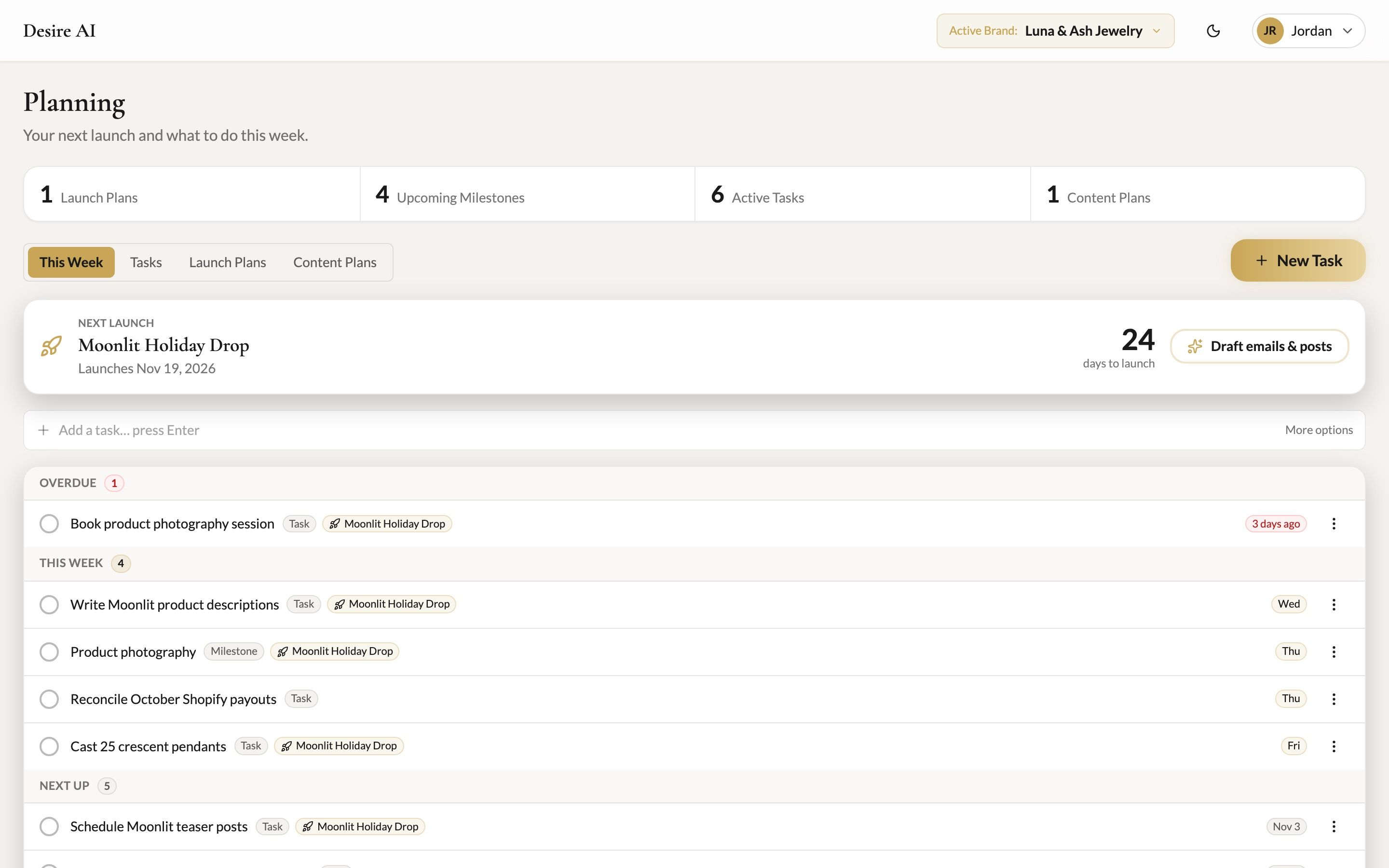
Next launch shows your upcoming launch and a countdown. Draft emails & posts asks Desire AI to draft launch content for you to review.
Tasks and milestones are grouped into Overdue, This Week and Next Up. Tick the circle to mark something complete.
Type in Add a task… press Enter to add a quick task, or click More options for the full form.
Tasks
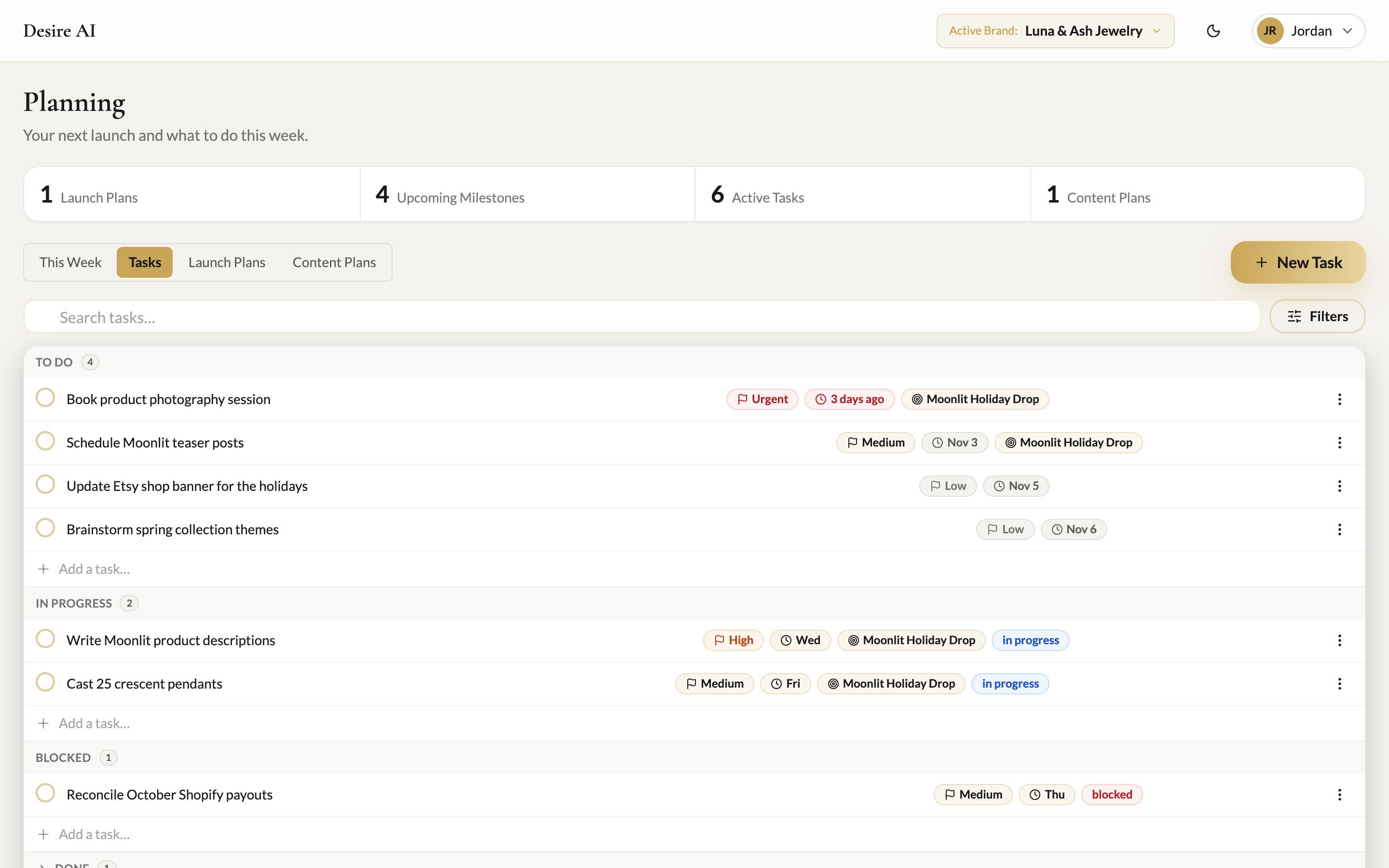
Click New Task to add a task with a priority, status, category (Content, Marketing, Design, Production, Business, Brainstorm, Admin), tags and a due date. You can link it to a launch plan. Use Group by to view tasks by status, priority or area.
Launch Plans
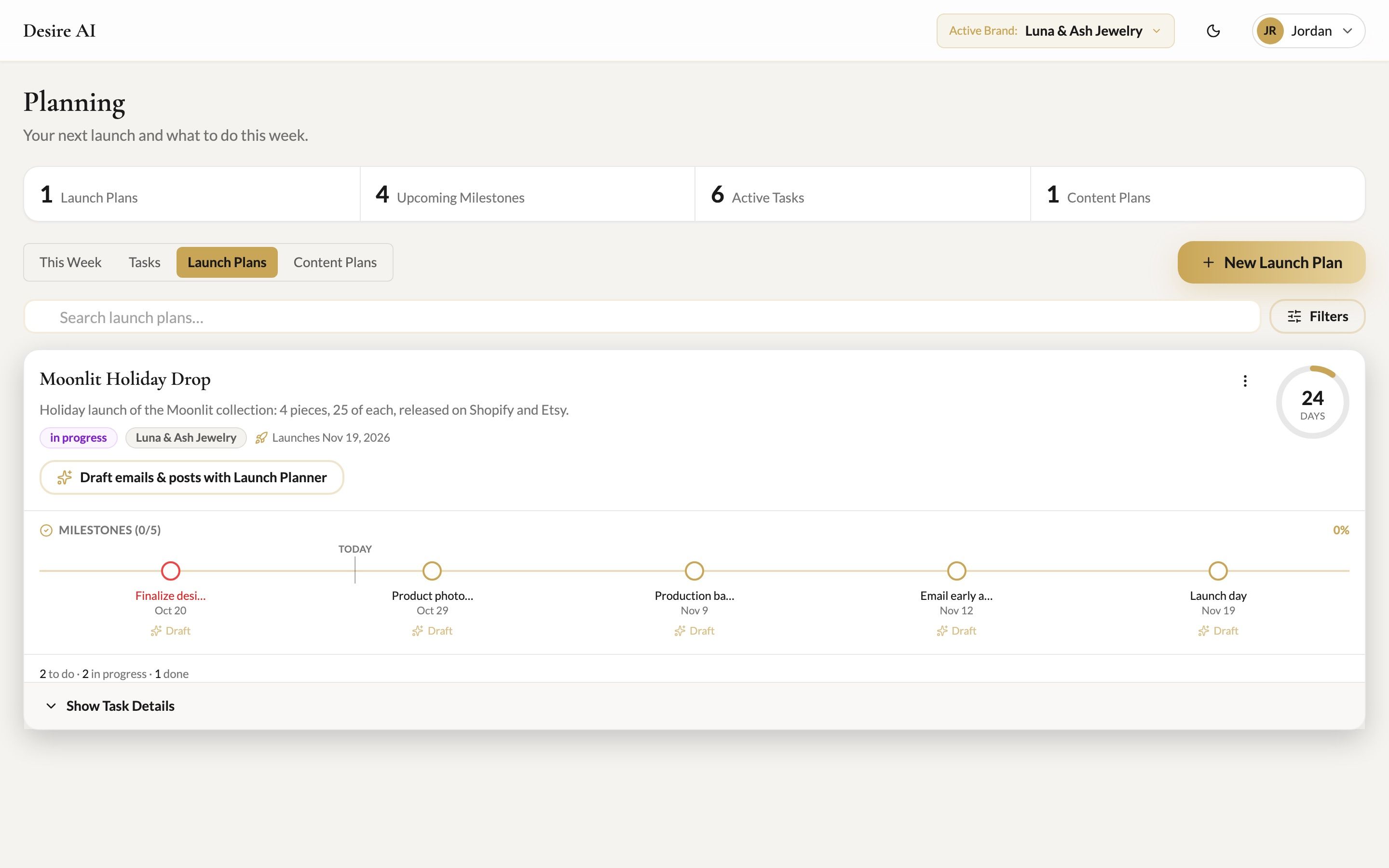
Click New Launch Plan and give it a name and launch date, for example "Moonlit Holiday Drop, November 20."
Tick Add the standard launch timeline to get a ready-made set of milestones (photography, product descriptions, teaser posts, launch emails) counted back from your launch date.
Move the plan through Planning, In Progress and Ready. On the day, click Mark Launched.
Content Plans
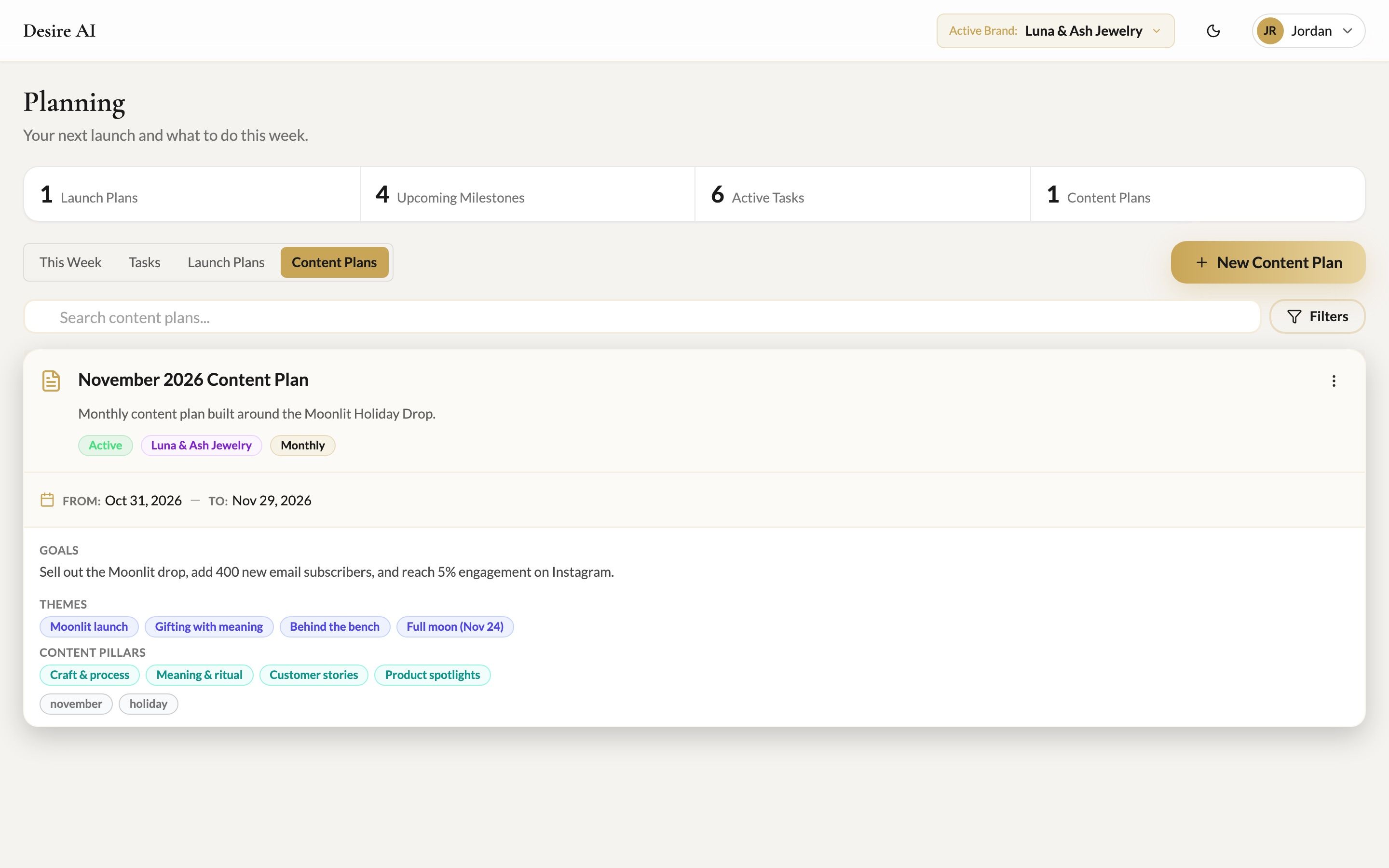
Click New Content Plan to plan a week, month, quarter, campaign or launch. Add goals, themes and content pillars. When Desire AI drafts posts or emails for a plan, they appear under AI Drafts, where you can Approve, Edit or Reject each one.
Let the assistants fill it in for you
You don't have to type plans by hand. Tell Planning (Brain Dump) everything on your mind, or ask Launch Planner to plan your next drop. They can save tasks, launch plans and milestones straight into Planning.
Planning is per brand, so check Active Brand at the top. Due dates use the timezone in My Account.
Was this helpful?
Still need help? Ask the team